Manage admin settings
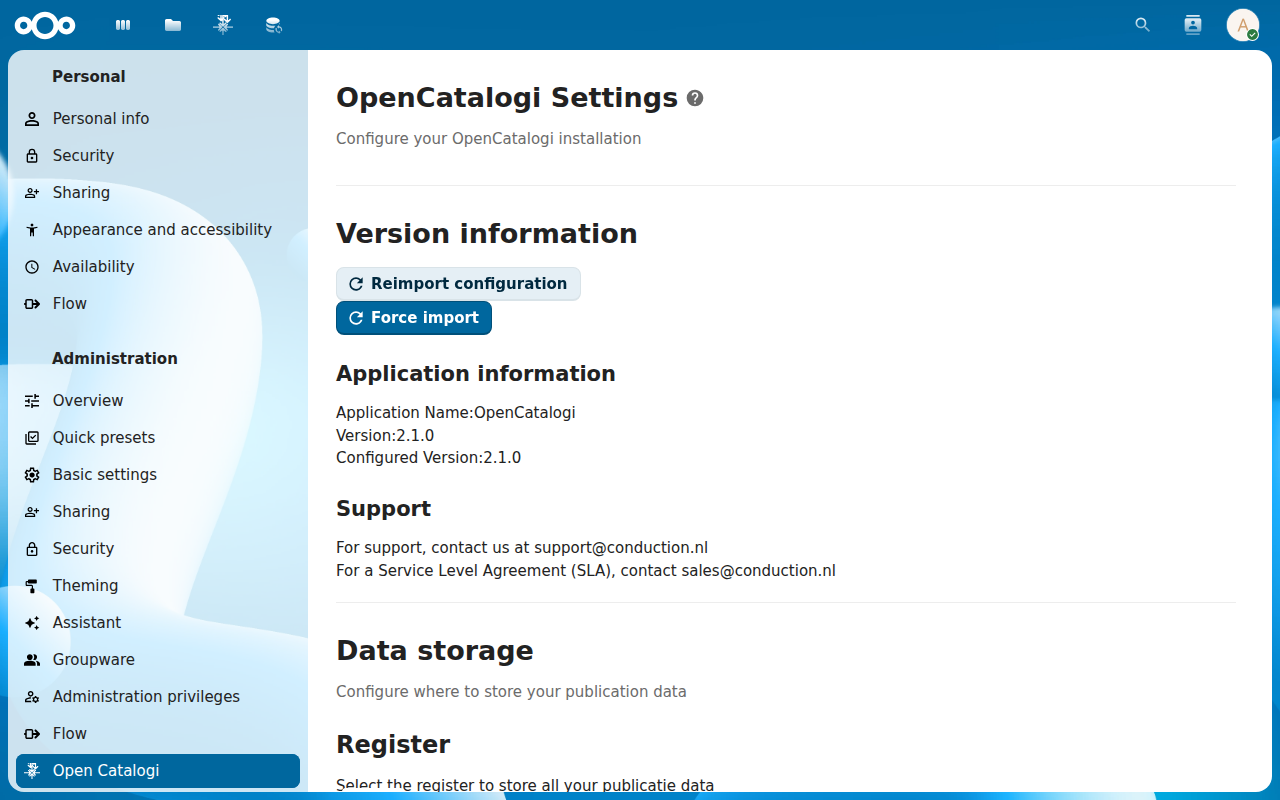
Instance-wide options — federation, default visibility, theming, feature flags — live on the standard Nextcloud Administration settings → OpenCatalogi page. This tutorial walks through the page section by section and points at the knobs you'll usually want to touch.
Goal
By the end you will have opened the OpenCatalogi admin settings page, read what each section does, and changed at least one setting (the federation default) end-to-end.
Prerequisites
- Nextcloud admin rights — the page is hidden for non-admins.
- A running OpenCatalogi instance with at least one catalogue.
Steps
-
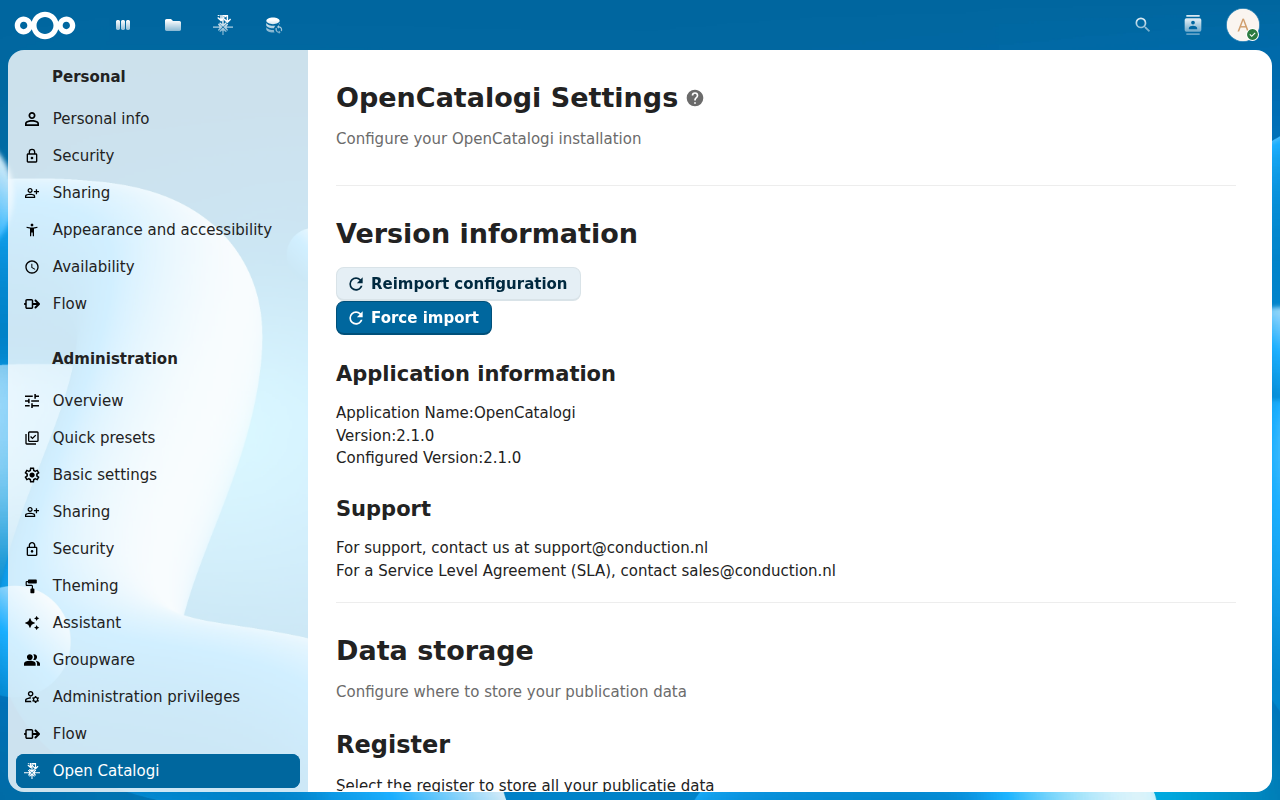
Click your avatar in the top right of Nextcloud and pick Administration settings. In the left menu, scroll to OpenCatalogi under the Administration section.
-
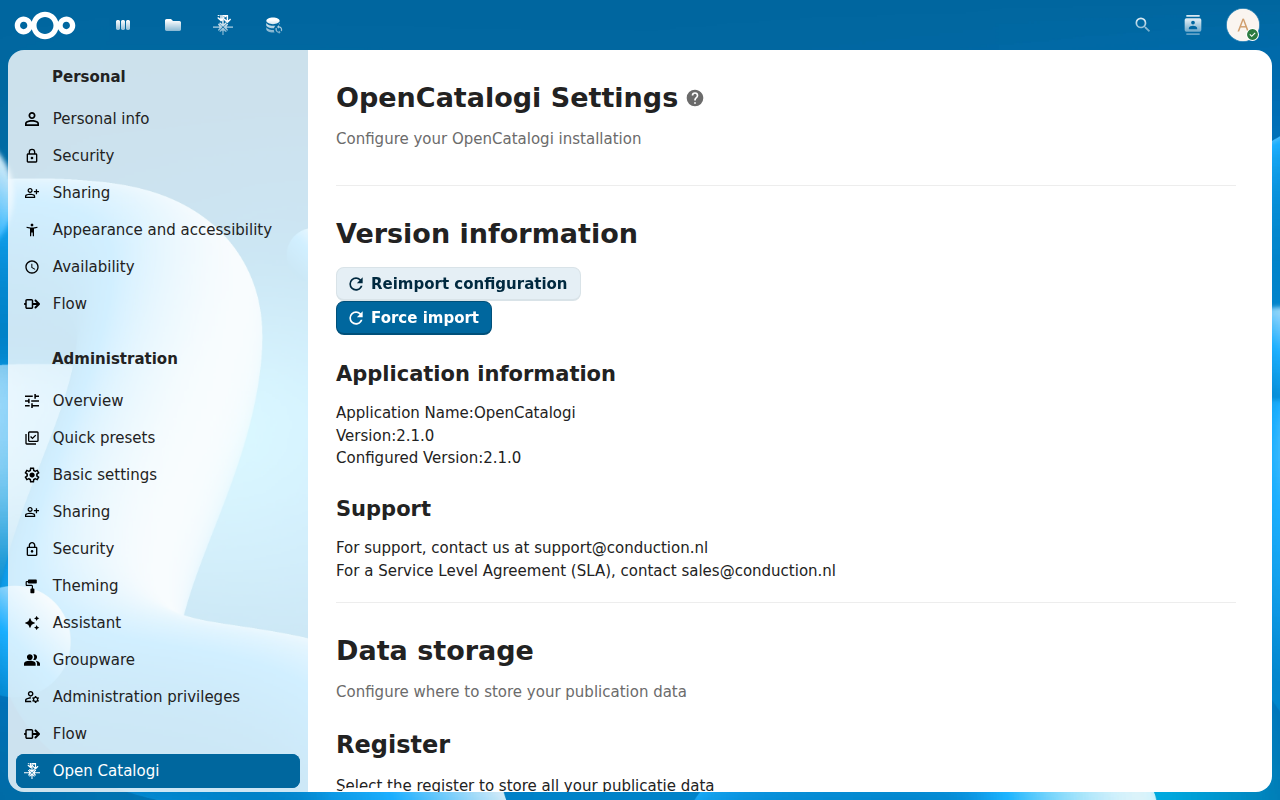
The page is split into sections — General, Federation, Defaults, Themes & branding, Feature flags, Compliance. The General block at the top shows the install date, the app version, the OpenRegister version it talks to, and the count of catalogues / publications / themes / organisations.
-
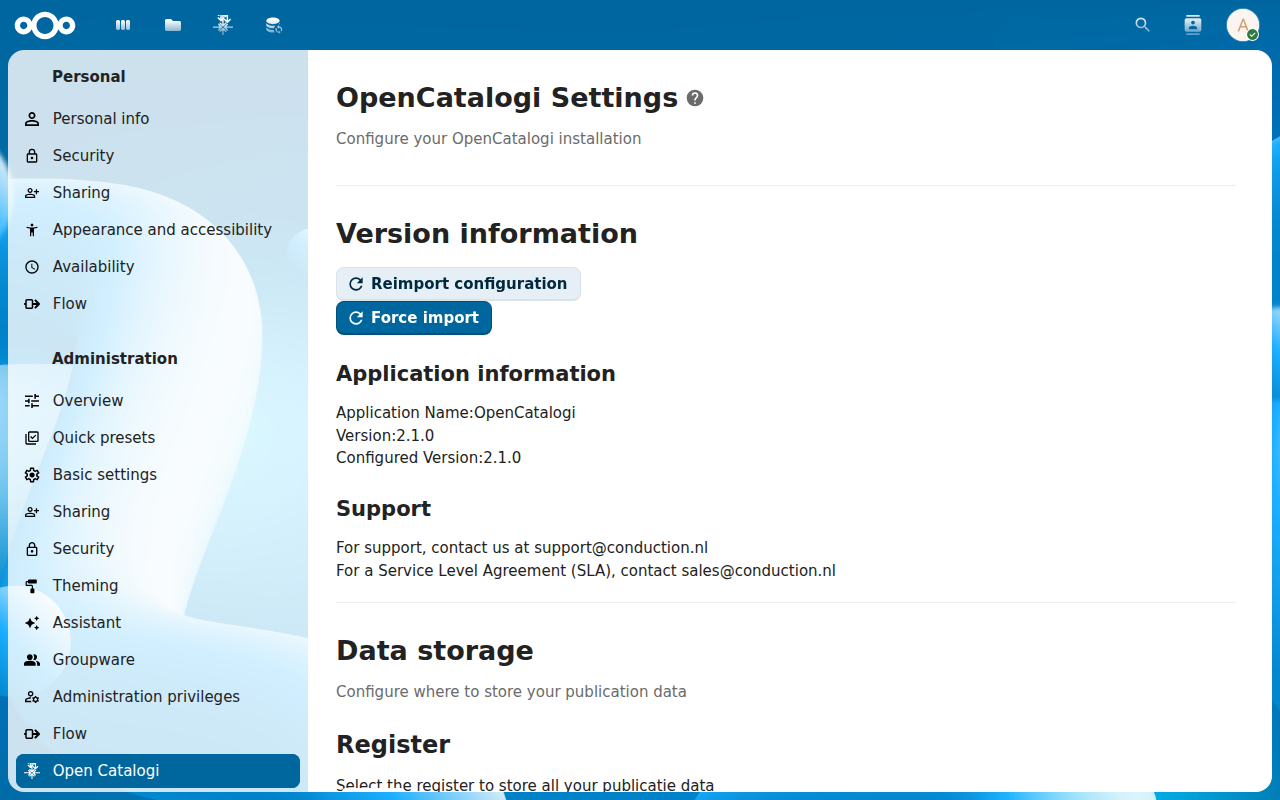
Scroll to Federation. Default outbound visibility picks what new catalogues default to (Private / Internal / Public). Federation API key required toggles whether inbound subscriptions need a token or are anonymous. Allowed origins whitelists peers. Set the outbound default to Internal.
-
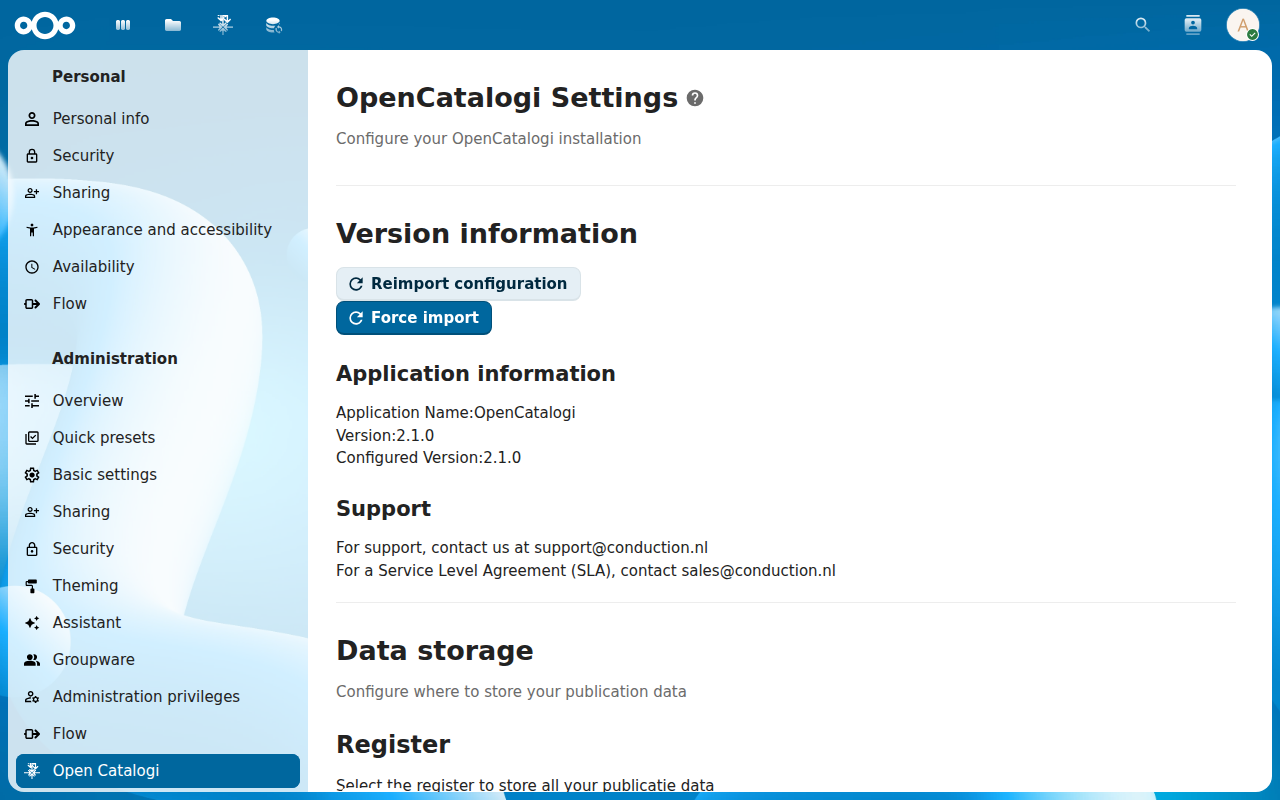
Scroll to Defaults and Themes & branding. Defaults pick the default role for new members on a catalogue and the default schemas attached to a freshly created catalogue. Themes & branding pick the colour palette and logo used in the public landing page. Pick safe defaults for a first run.
-
Scroll to Feature flags and Compliance. Feature flags toggles experimental surfaces — DCAT export, WOO transparency view, Archimate export, Prometheus metrics. Compliance configures the AVG / Verwerkingsregister hooks (sync from OpenRegister) and retention overrides. Enable the flags you need; leave the rest off.
Verification
The admin settings page renders without errors, every section header is collapsible, the version line under General matches what occ reports, and a setting change (e.g. flipping outbound default visibility) persists across page reloads.
Common issues
| Symptom | Fix |
|---|---|
| OpenCatalogi entry missing from the admin menu | The app is not registered as an admin settings provider — re-install (occ app:install opencatalogi --force) and reload the page. |
| Federation defaults don't apply to existing catalogues | The setting only affects newly created catalogues; existing ones keep their per-catalogue visibility — change those individually on the catalogue Settings tab. |
| Feature flag enabled but the surface stays hidden | The flag is a server-side gate; the frontend caches it for a session — log out and back in. |
| Compliance section greyed out | OpenCatalogi's WOO / AVG hooks depend on a specific OpenRegister schema set — install the AVG schema pack first. |
Reference
- Configure a catalogue — the per-catalogue version of Defaults and Themes.
- Manage federation sources — the inbound side; this page is the outbound side.
- Feature notes — current state of the experimental flags.